DiskSphere
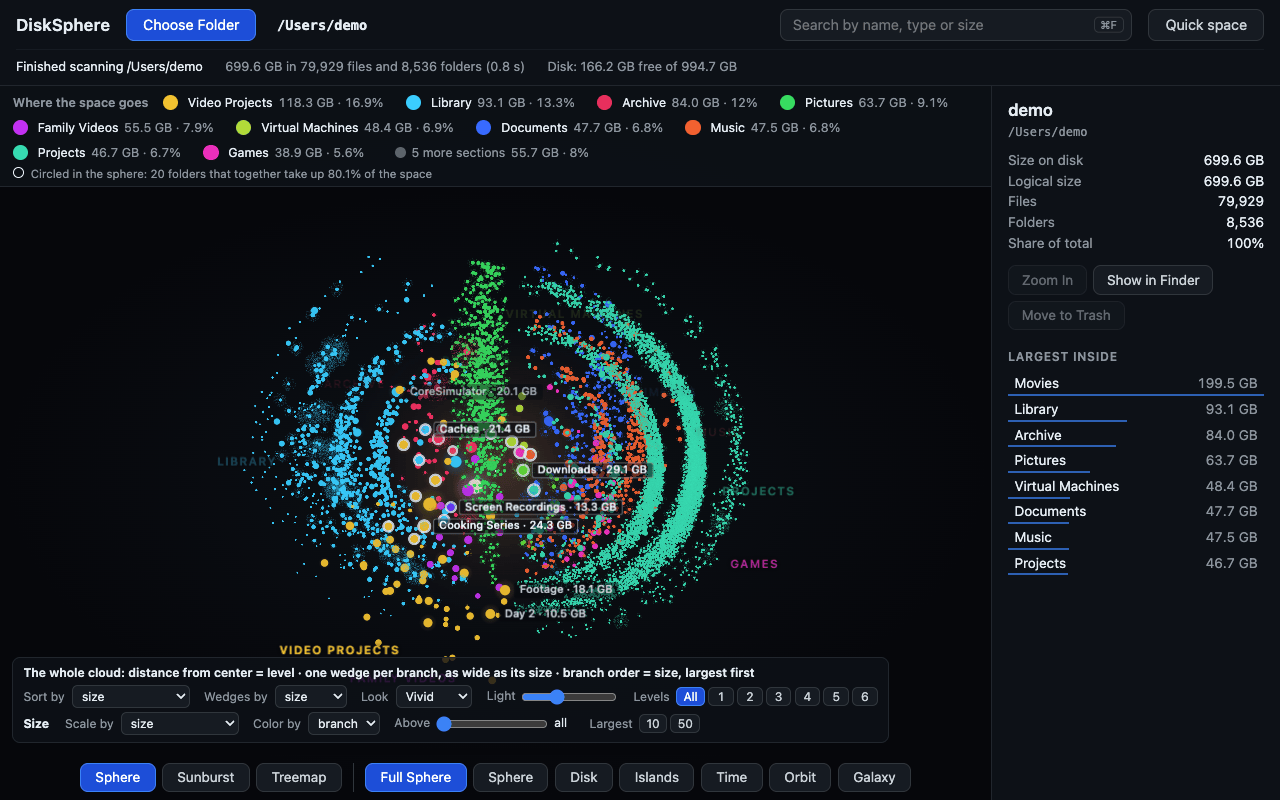
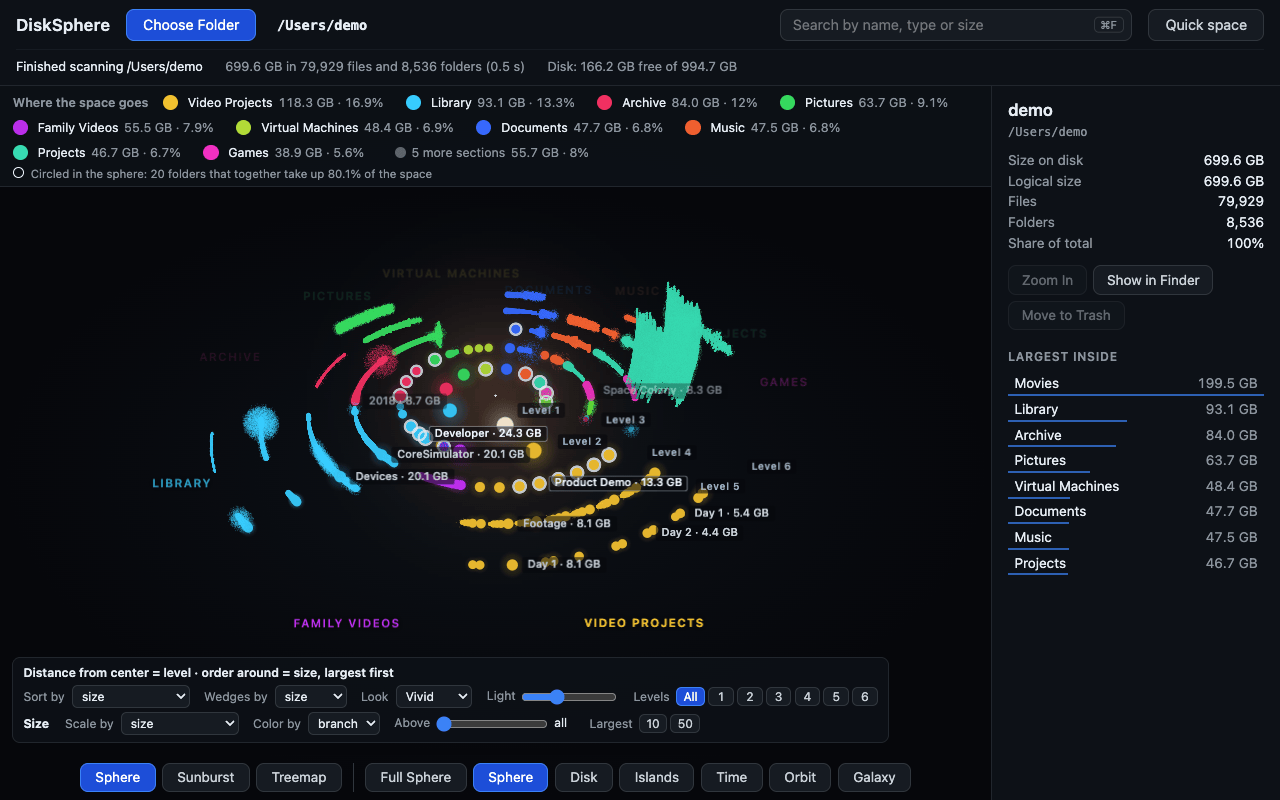
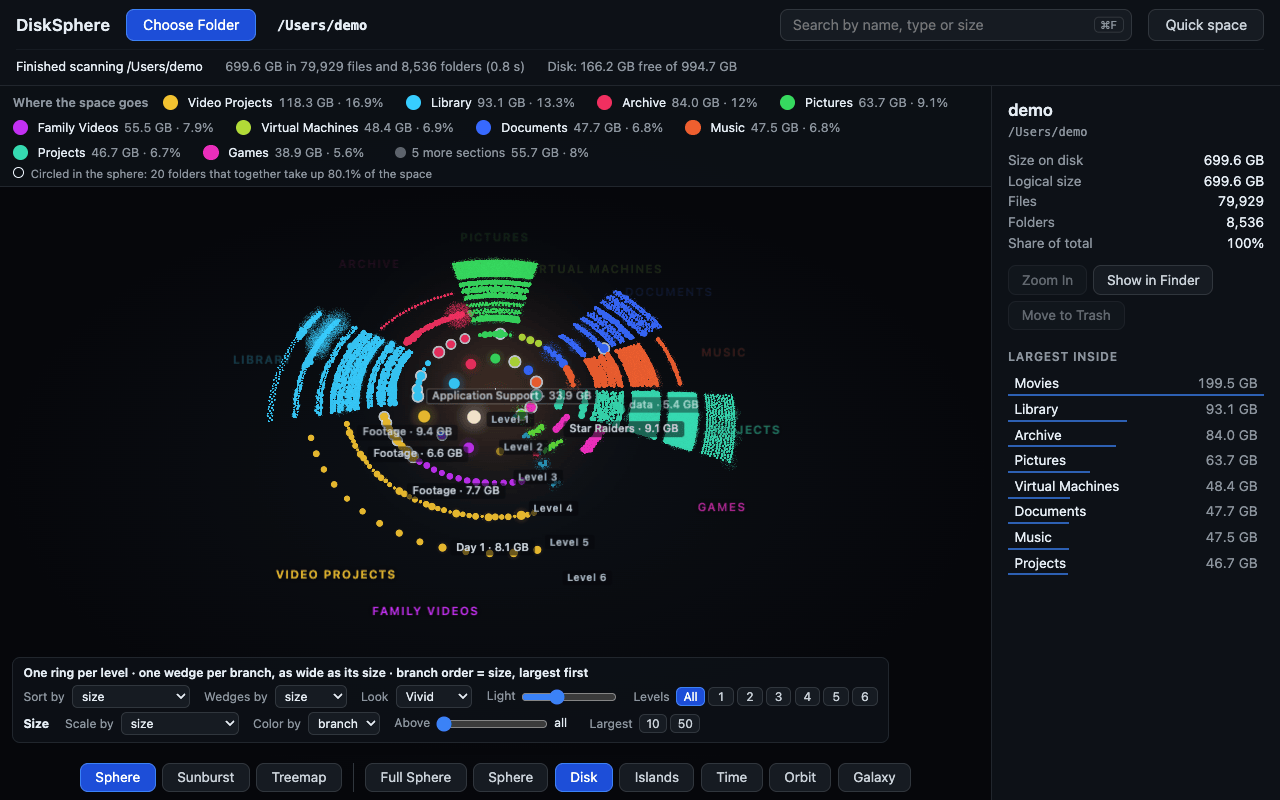
See where your disk went — then pick what to clear. DiskSphere scans a disk or a folder and draws every file as a point on a 3D sphere: every colour is a folder, and the big ones are easy to see.
One scan, nine maps
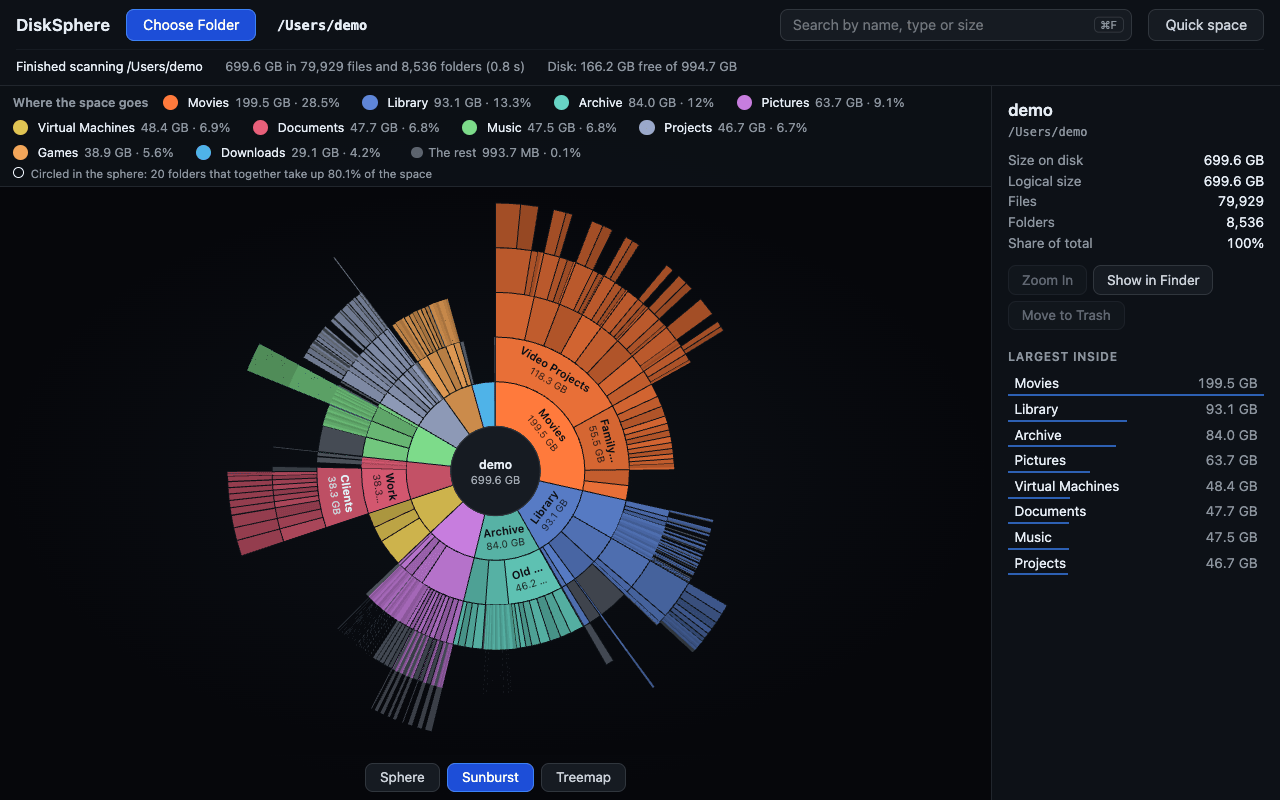
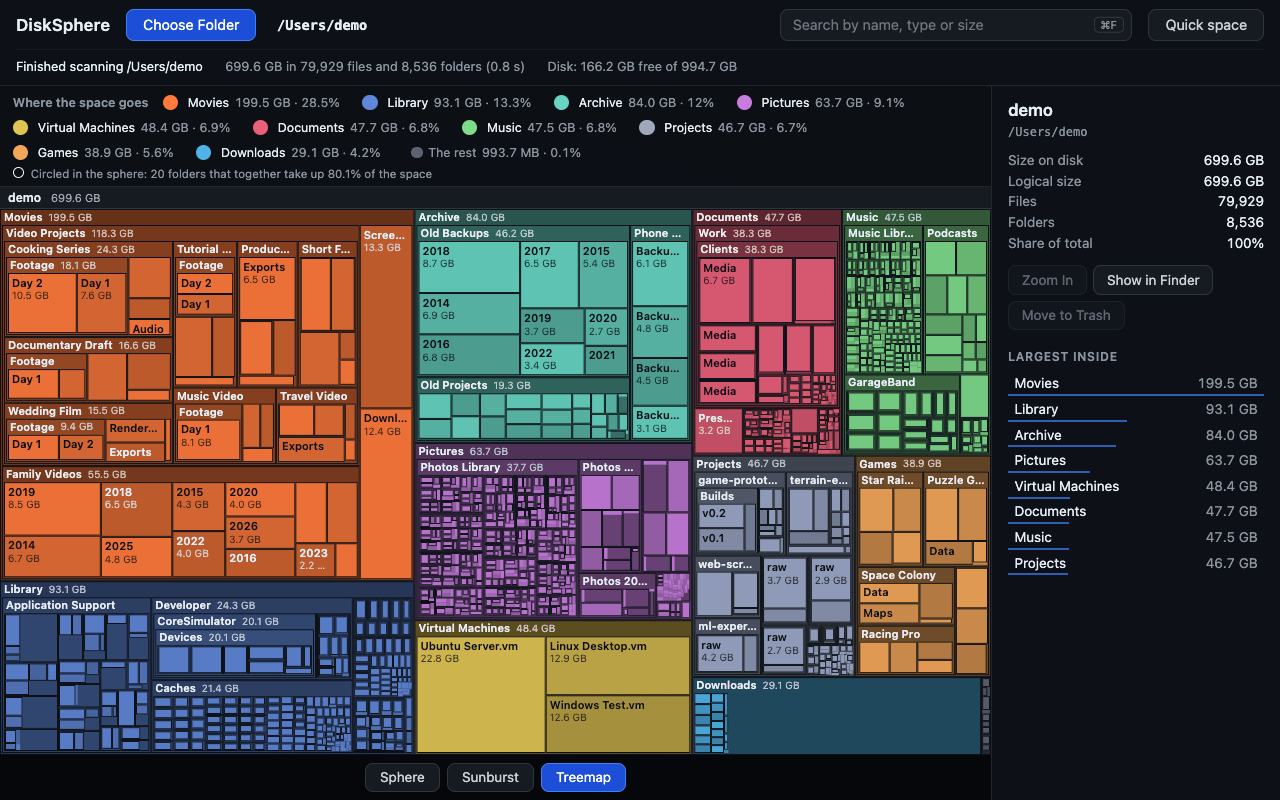
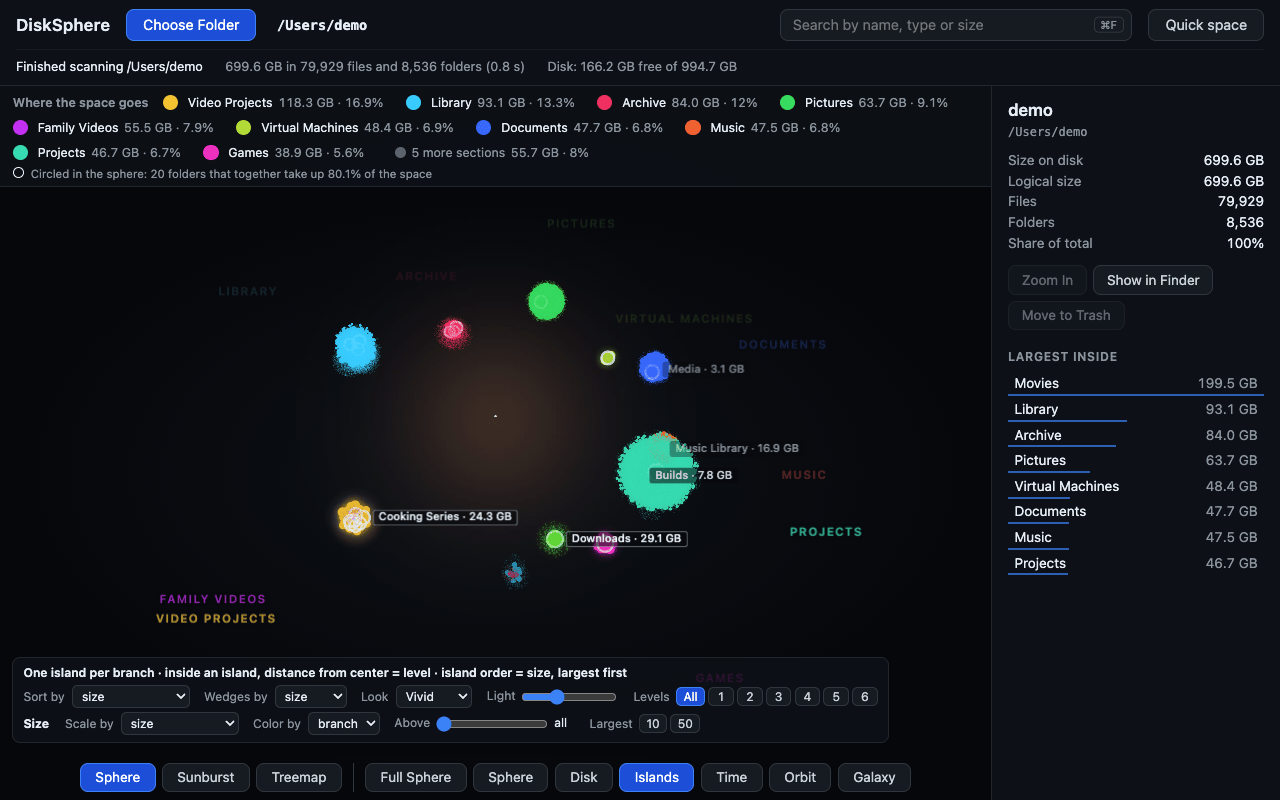
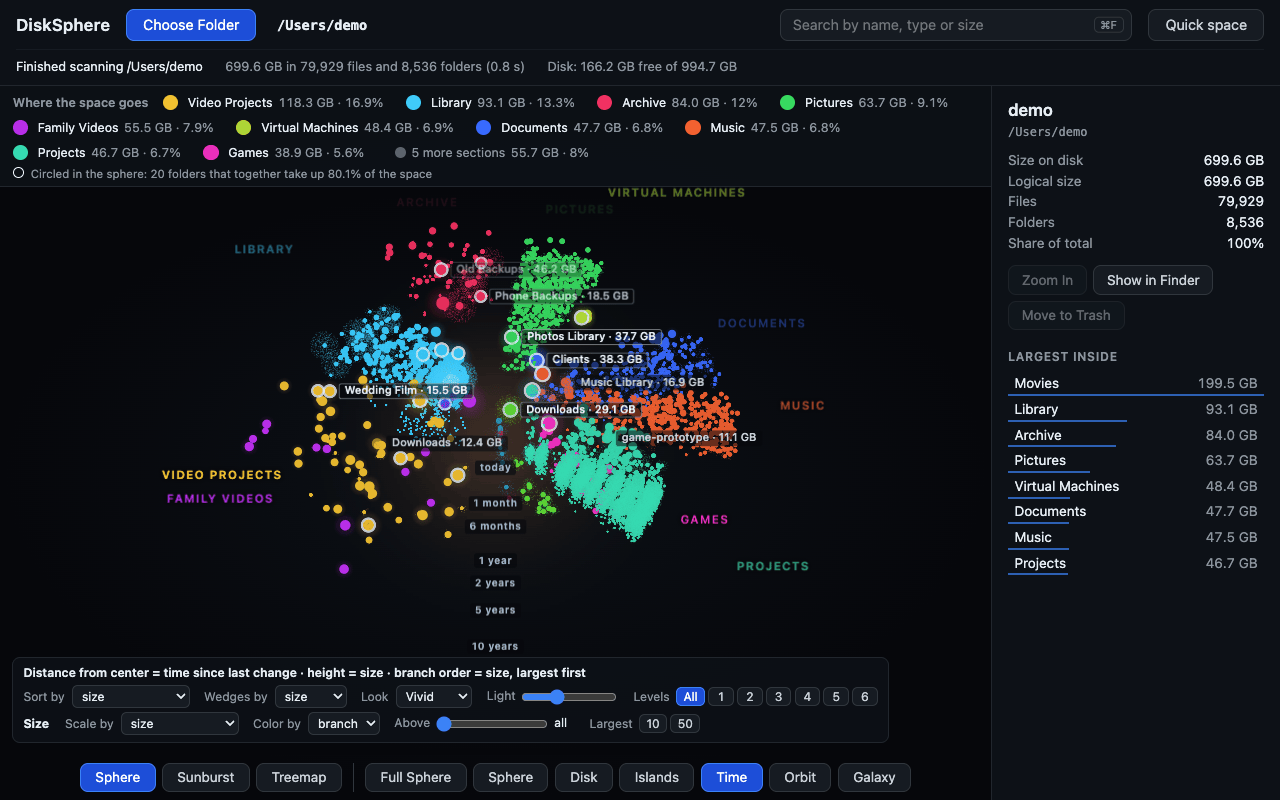
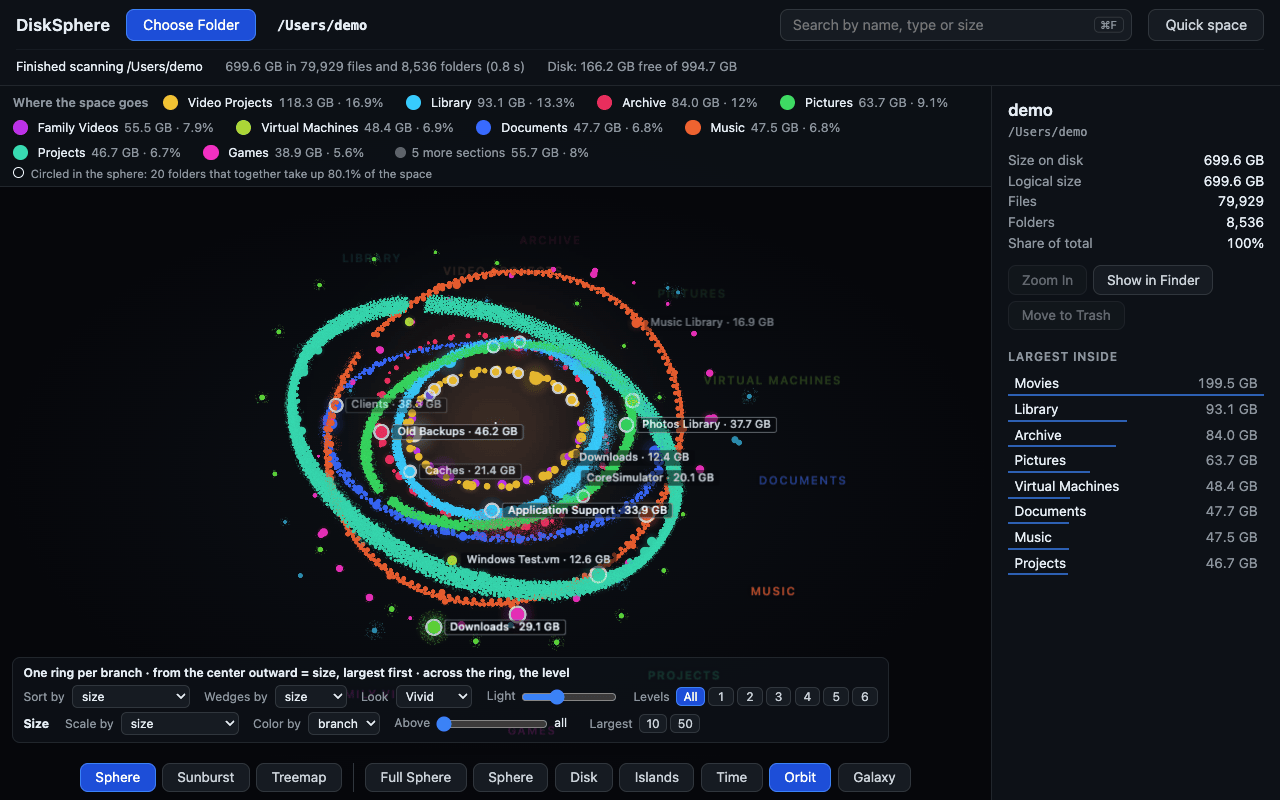
The same files, drawn nine ways. Seven are 3D shapes: full sphere, sphere, disk, islands, time, orbit and galaxy. Two are flat: a sunburst chart and a treemap. You switch from one to the next, and each one shows something the others hide.
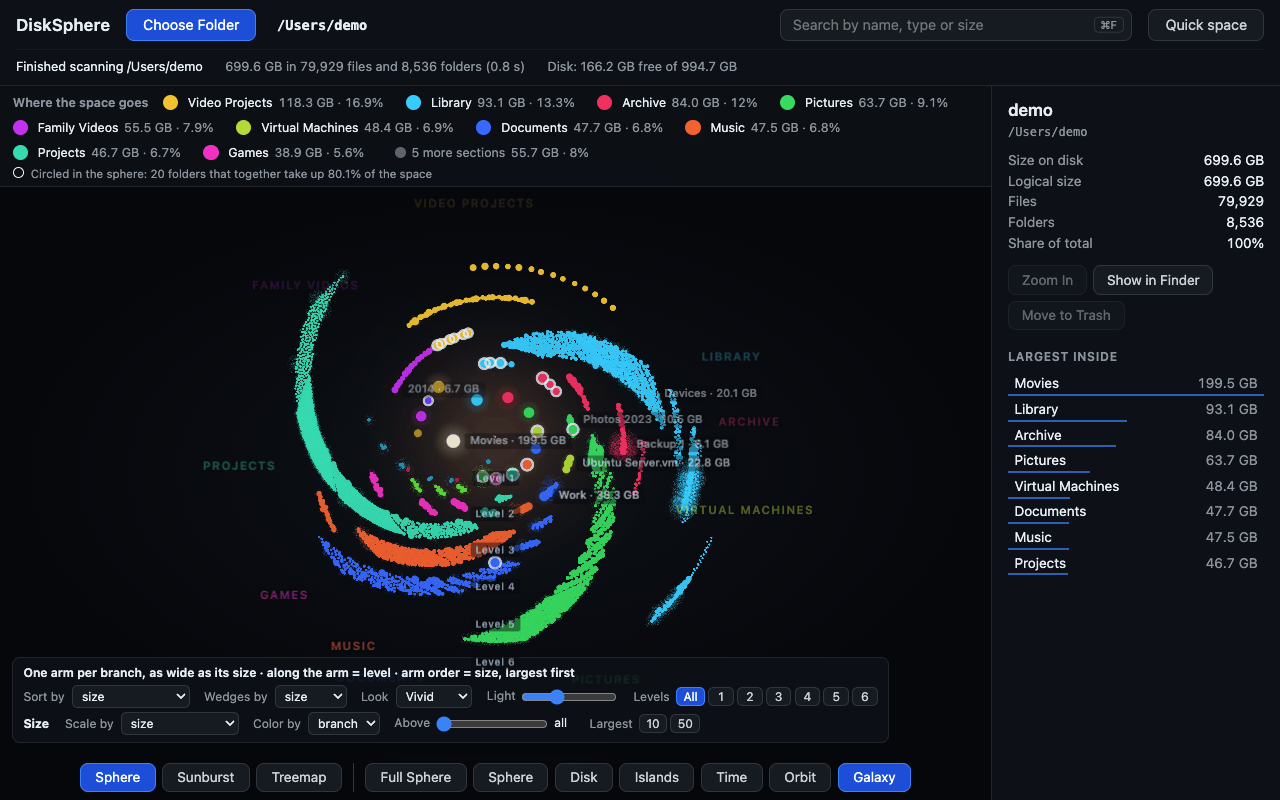
Find it, then free the space
- Search a file by name and show it in Finder.
- Move what you choose to the Trash. While it is there, you can put it back.
- “Quick space” lists what could go, by fixed rules on name, size and date. You check every item.
- DiskSphere refuses to move system folders, your home folder and its Library.
Your files stay on your Mac
The scanner is written in Rust and runs on your computer. Every suggestion tells you why. Fixed rules, no AI, nothing leaves your Mac.
Price and requirements
You tick, you confirm. Everything goes to the Trash, so you can put it back. €3, once — no subscription. For macOS 15 or later, Apple silicon and Intel. Notarized by Apple. A Windows version is planned.